 Getting nice embeds with a Vue3 SPA.
I Use Cloudflare pages to deploy a lot of my “static” websites. This one for example, uses this exact setup! (The blog has open graph tags to help other sites like Discord & Bluesky display the description and title)
The Problem
Most open graph parsers don’t execute any javascript, they just load the HTML and parse it. For most normal applications, this is not a problem. Just insert the tags when you generate the HTML. For single page applications (Like VueJS by default) do NOT do that. They serve a generic index.html and then make the client insert the actual content via JavaScript
The solution
When I was making https://pictoask.net i needed this as a solution, I needed a way for google to display profiles and posts properly. I Also really wanted people to be able to share their posts to social media, and have it display their doodles before anyone clicked a link.
So what were my criteria
- I Preferably did not want to move away from Cloudflare Pages
- I Did not want to have to run a backend service
Luckily, after browsing the cloudflare documentation for a bit I found the following:
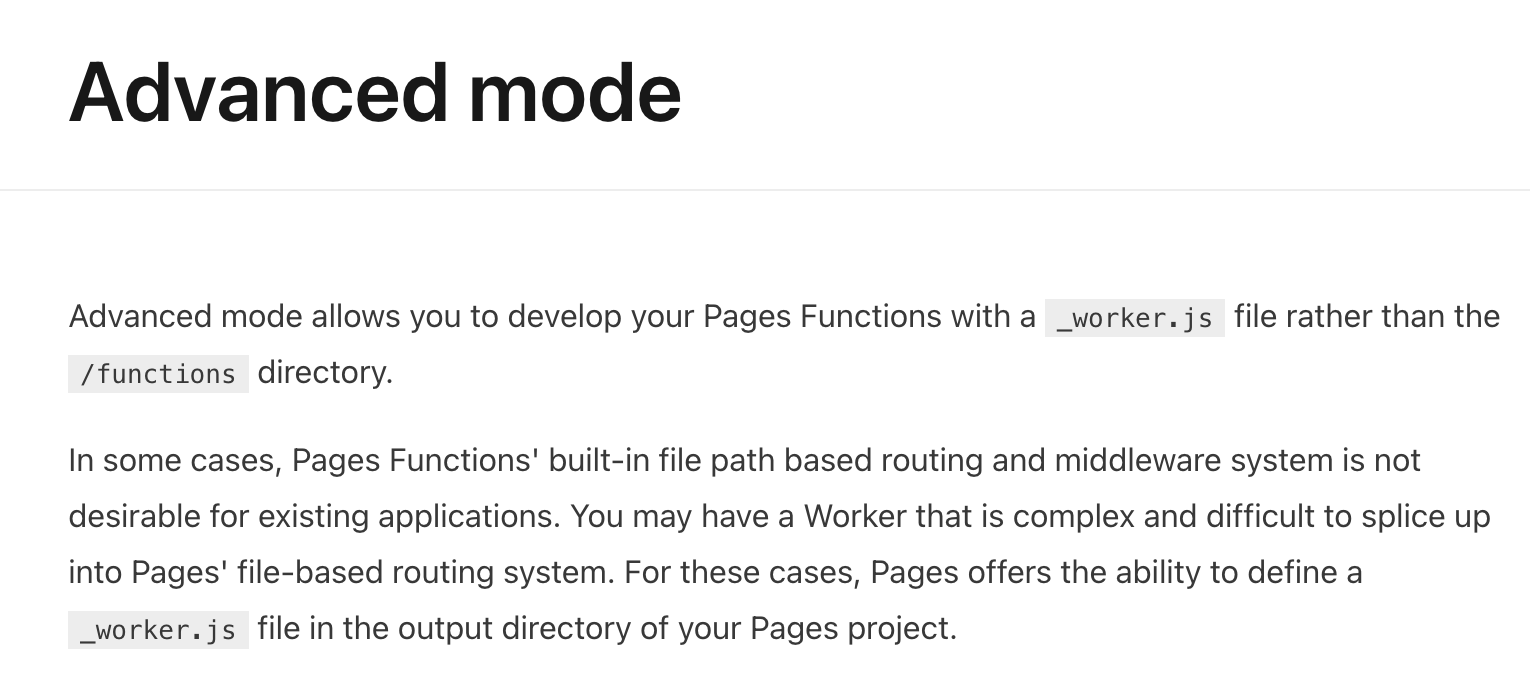
Oh yeah baby, that is exactly what I want.
Basically, I ended up bundling a simple worker with my Vue SPA.
The worker code looks a little like this
import Route from "route-parser";

const API = "https://api.pictoask.net/api/v1/";
const S3 = "https://ams1.vultrobjects.com/pictoask/";

const routes = [

    [new Route("/u/:username"), async function(request, parts){
        let meta = await getUserMeta(parts.username);
        return await ApplyMeta(request, meta);
    }],
    [new Route("/p/:id"), async function(request, parts){
        let meta = await getQuestionMeta(parts.id);
        return await ApplyMeta(request, meta);
    }],
];

async function getUserMeta(username){

    const response = await fetch(API + "users/" + username);
    const data = await response.json();

    return {
        title: data.displayname + " on PictoAsk",
        'og:url': `https://pictoask.net/u/${username}`,
        'og:description': data.bio,
        'og:image': data.avatar ?? 'https://pictoask.net/users/img/users/no_picture.png',
        'og:image:secure_url': data.avatar ?? 'https://pictoask.net/users/img/users/no_picture.png',
        'og:image:width': 512,
        'og:image:height': 512,
        'og:type': 'profile',
        'twitter:card': 'summary',
    }
}

async function getQuestionMeta(id){

    const response = await fetch(API + "questions/" + id);
    const data = await response.json();

    return {
        title: data.is_anonymous ? 'Anonymous question' : 'Question by ' + data.asked_by.displayname,
        'og:url': `https://pictoask.net/p/${id}`,
        'og:description': data.question,
        'og:image': data.answer_image,
        'og:image:secure_url': data.answer_image,
        'og:image:width': 256,
        'og:image:height': 512,
        'og:type': 'article',
        'twitter:card': 'summary_large_image',
    }
}

async function ApplyMeta(request, data = {}) {


    let html = await request.env.ASSETS.fetch(request);
    if(!data){
        return html;
    }

    class ElementHandler {
        async element(element) {

            if(element.tagName === 'title'){
                element.setInnerContent(data.title);
            }

            if(element.tagName === 'meta'){
                for(let [key, value] of Object.entries(data)){

                    if(!key || !value){
                        continue;
                    }

                    if(value.startsWith && value.startsWith(S3)){
                        value = value.replace(S3, 'https://pictoask.net/media/');
                    }

                    if(element.getAttribute('name') === key){
                        element.setAttribute('content', value);
                    }

                    if(element.getAttribute('property') === key){
                        element.setAttribute('content', value);
                    }

                    // Twitter card stuff
                    key = key.replace('og:', 'twitter:');
                    if(element.getAttribute('property') === key){
                        element.setAttribute('content', value);
                    }
                }

                if(element.getAttribute('property') === 'og:title'){
                    element.setAttribute('content', data.title);
                }
            }

        }
    }

    return new HTMLRewriter().on('title', new ElementHandler()).on('meta', new ElementHandler()).transform(html);

}


export default {
    async fetch(request, env) {

        try {
            let path = new URL(request.url).pathname;
            request.env = env;
            console.log(path);

            for(let route of routes){
                let [r, fn] = route;
                let parts = r.match(path);
                if(parts){
                    console.log("Matched route", r, parts);
                    return await fn(request, parts);
                }
            }
        }catch (e){
            console.error(e);
        }

        return env.ASSETS.fetch(request);

    }
};
Combine it with a simple _routes.json to only send the relevant requests to the worker and bam, you’ve got meta tags! (Just make sure to add them to the index.html too, so they can be replaced)
And this works… Flawlessly! Obviously if you have to do a cold-start for your worker the first request will now be a little slower, but for SEO and OpenGraph support I feel that is worth it! Also, Using this same worker, you could generate your Sitemaps based on your API, but I chose to use a separate worker program for that.